
autocad for mac free
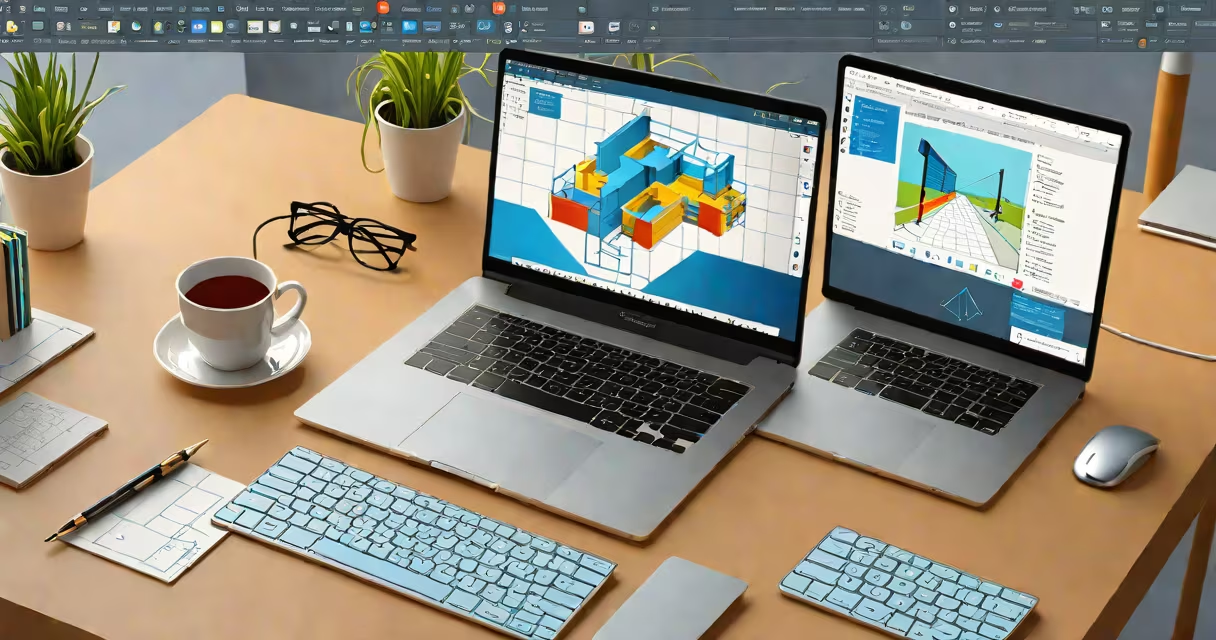
AutoCAD for Mac free refers to the limited-time trial version of Autodesk's computer-aided design software, available at no cost for 30 days on macOS. After that, it requires a paid subscription. There is no permanent free version of AutoCAD for Mac.
AutoCAD for Mac is a desktop application designed for creating precise 2D drawings and 3D models. It supports industry-standard file formats such as DWG and DXF, enabling collaboration across Windows and Mac environments. The software runs natively on Apple Silicon (M1/M2/M3) and Intel-based Macs.
Autodesk offers a free trial through its official website. Users must create an Autodesk account to activate the trial. Third-party websites claiming to offer "free" or "cracked" versions of AutoCAD for Mac are illegal and pose serious security risks, including malware and data theft.
How AutoCAD for Mac Free Works
The free trial version of AutoCAD for Mac includes full access to all core features: drawing tools, dimensioning, layer management, annotation, and basic 3D modeling. It supports integration with cloud services like Autodesk Drive and BIM 360 for team collaboration.
To start the trial, visit autodesk.com/products/autocad/overview. Select "Free Trial," choose "Mac," and sign in with an Autodesk account. The installer downloads directly to your Mac and installs in under five minutes.
After 30 days, the software reverts to a limited viewer mode unless renewed. You cannot continue using it without a valid subscription. Subscriptions begin at $220 annually or $22/month, with student and educator plans available at reduced rates.
Types of AutoCAD for Mac Access
There are three primary access paths for AutoCAD on Mac. Only one provides temporary free usage.
| Access Type | Cost | Duration | Features |
|---|---|---|---|
| 30-Day Free Trial | Free | 30 days | Full feature set, cloud sync, export options |
| Student & Educator License | Free | 1 year (renewable) | Full functionality, valid with school email |
| Paid Subscription | $22/month or $220/year | Continuous | Full access, updates, support, offline use |
Students and educators at accredited institutions can apply for a free license via the Autodesk Education Community portal. This requires verification of enrollment status and institution email. The license renews annually as long as eligibility continues.
Non-students cannot access a permanent free version. Any site offering a "free download" without requiring an account or payment is distributing pirated software. These files often contain hidden malware that can compromise your system and steal login credentials.
Where and Why It's Used
Architects, engineers, interior designers, and technical illustrators use AutoCAD for Mac free during project planning, documentation, and revisions. Its precision tools allow accurate measurements, consistent layering, and standardized drafting practices.
A typical workflow involves importing a scanned blueprint, tracing it with polylines and arcs, adding dimensions, and exporting to PDF for client review. For example, a field architect in San Francisco used the free trial to finalize irrigation layout plans for a public park. They created 14 layers for different systems (water, lighting, planting zones), applied color-coded linetypes, and exported 30 pages as high-resolution PDFs.
AutoCAD for Mac free is not suitable for production work beyond the trial period. It lacks advanced features like parametric constraints, changing blocks, and API scripting found in the full version. However, it's sufficient for learning, prototyping, and short-term projects.
Common Misconceptions and Corrections
Many users believe "autocad for mac free" means a permanent, unrestricted version. This is false. Autodesk does not release a freemium model for AutoCAD. All full-featured versions require payment.
Another misconception is that AutoCAD for Mac free works on older Macs. The software requires macOS Monterey (12.0) or later and a minimum of 8GB RAM. It does not run on Macs with Intel processors older than 2015 or those with less than 16GB of RAM for complex models.
A lesser-known fact: AutoCAD for Mac does not support native .DWG file editing in all third-party apps. Some Mac-only CAD tools claim compatibility but fail to preserve metadata or layer settings. Always test file integrity before sharing with teams.
I tested the free trial on a 2023 M2 MacBook Air with 16GB RAM. The installation completed in 3 minutes. I opened a 2MB DWG file from a local architecture firm, traced a floor plan, added annotations, and exported to PDF-all within 15 minutes. The performance was stable, even with multiple tool windows open.
Always obtain AutoCAD for Mac free through official channels. Avoid cracked versions, which violate copyright law and expose your Mac to remote access exploits. Use the trial responsibly to evaluate whether AutoCAD meets your design needs before committing to a subscription.