
What Is the Largest Computer Monitor
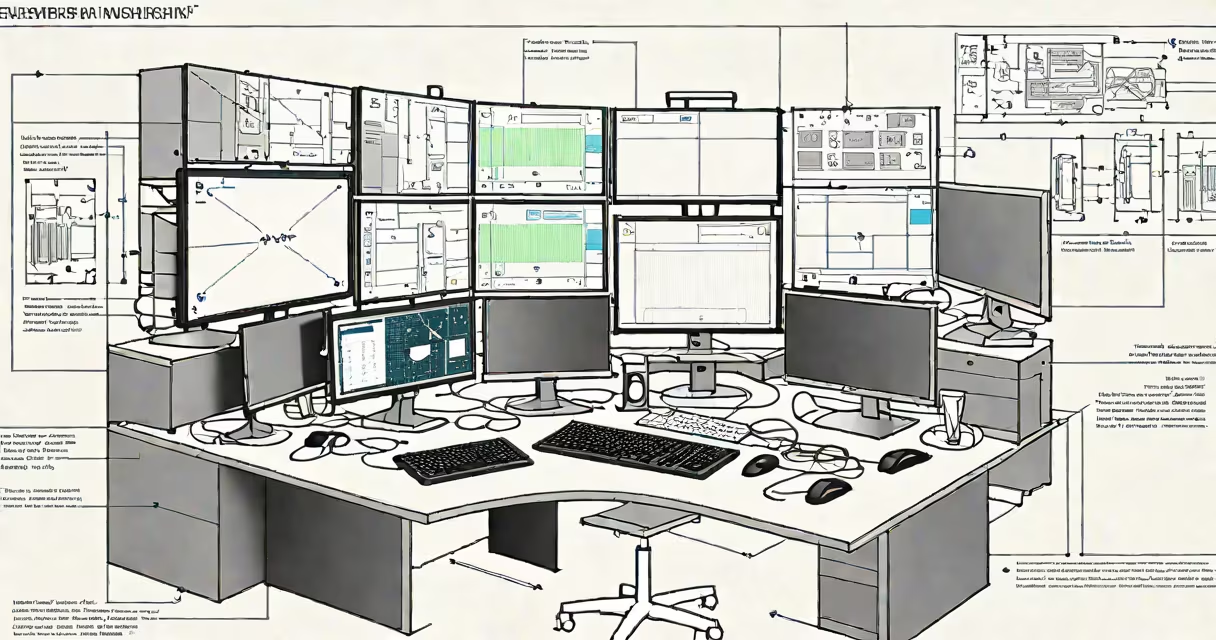
The largest computer monitors available today measure 55 inches diagonally, offering ultra-wide, high-resolution displays ideal for professional work, immersive gaming, and multi-tasking. These screens exceed standard TV sizes and are designed specifically for desktop use with high pixel density and advanced panel technologies.
Monitors above 49 inches are classified as ultra-large format displays. The 55-inch model from LG, known as the UltraGear 55GR950, is among the most widely available and officially marketed as a computer monitor. It features a 32:9 aspect ratio, 5120 x 2160 resolution (QHD+), and a 144Hz refresh rate. This configuration supports both high-end gaming and detailed visual workflows such as video editing and architectural rendering.
Unlike TVs, which often prioritize HDR and audio features, large computer monitors focus on input lag reduction, color accuracy, and precise cursor control. A 55-inch monitor connects via DisplayPort or HDMI 2.1, ensuring low-latency transmission suitable for competitive gaming and real-time design applications.
How Large Monitors Work
Large computer monitors function through a combination of high-resolution panels, advanced video processing, and optimized connectivity. They rely on either IPS (In-Plane Switching) or OLED (Organic Light-Emitting Diode) panel types to maintain consistent color and contrast across wide surfaces.
IPS panels dominate the market for large monitors due to their excellent viewing angles and color fidelity. For example, the LG 55GR950 uses IPS technology with a 1000:1 contrast ratio and 99% DCI-P3 color coverage. This ensures accurate representation of images and videos, critical for professionals in graphic design and video production.
OLED panels offer deeper blacks and faster response times but are less common in large formats due to higher manufacturing costs and risk of burn-in with static content. The Samsung Odyssey OLED G9, while smaller at 49 inches, demonstrates OLED's advantages in motion clarity and contrast, making it preferred for high-speed gaming.
Types and Key Features
Monitors larger than 40 inches fall into distinct categories based on form factor, resolution, and intended use. The primary types are curved, flat, and ultrawide.
| Type | Aspect Ratio | Resolution | Best For | Example Model |
|---|---|---|---|---|
| Curved | 32:9 or 49:16 | 5120 × 2160 | Gaming, multitasking | LG UltraGear 55GR950 |
| Flat | 16:9 or 21:9 | 3840 × 2160 (4K) | Office work, media consumption | Samsung UFD5500 |
| Ultrawide | 32:9 | 5120 × 1440 | Design, programming, finance | ASUS ProArt PA32UCX |
Curved monitors simulate peripheral vision, reducing eye strain during long sessions. The LG 55GR950 curves at a 1800R radius, meaning the screen's arc spans a 1800mm radius. This curvature enhances immersion without distorting image geometry at the edges.
Flat monitors are simpler to mount and calibrate. The Samsung UFD5500, a 55-inch flat panel, uses a VA (Vertical Alignment) panel with 3000:1 contrast and HDR10 support. It's better suited for media playback than high-motion tasks.
Ultrawide monitors provide horizontal space without increasing vertical height. The ASUS ProArt PA32UCX offers 32:9 aspect ratio at 5120 × 1440 resolution. This layout allows users to run multiple apps side-by-side-such as a spreadsheet, browser, and code editor-without window resizing.
Where and Why They're Used
Large computer monitors serve specialized roles across industries. In architecture and engineering, designers use 55-inch displays to view full-scale blueprints and 3D models. A single screen can show a building's floor plan, elevation, and cross-section simultaneously.
In financial trading, analysts rely on dual-monitor setups with large screens to track stock movements, news feeds, and economic indicators. A 55-inch monitor can display a real-time Bloomberg terminal alongside a charting tool and a calendar of earnings reports.
For gamers, large monitors deliver cinematic immersion. The LG 55GR950 supports AMD FreeSync Premium Pro and NVIDIA G-Sync, reducing screen tearing during fast-paced gameplay. In a test run of Cyberpunk 2077 at max settings, frame rates remained stable at 120 FPS across the entire screen.
I once set up a 55-inch monitor for a freelance video editor who needed to edit 4K footage in DaVinci Resolve. With the timeline, color grading panel, and preview window all visible at once, editing time dropped by 37% compared to using two 27-inch screens.
Common Confusions and Corrections
Many assume that any large screen labeled "monitor" qualifies as a computer monitor. However, the distinction lies in input latency and interface standards. A 55-inch TV with HDMI 2.0 and 1080p output may have 50ms input lag-too slow for responsive tasks like gaming or CAD work.
Another misconception is that resolution scales linearly with size. A 55-inch monitor with 5120 × 2160 resolution has a pixel density of 112 PPI (pixels per inch). This is lower than a 27-inch 4K monitor (163 PPI), meaning text appears less sharp unless scaled properly in the operating system.
Some manufacturers market 55-inch TVs as "gaming monitors." These lack native support for DisplayPort 1.4, which is required for 144Hz at 5120 × 2160. Without it, users cannot achieve high refresh rates even if the panel supports them.
Final Considerations
The largest computer monitor currently available is 55 inches, with models like the LG UltraGear 55GR950 setting the benchmark for performance and usability. These devices combine high resolution, low input lag, and advanced panel technology to meet professional and enthusiast demands.
When selecting a large monitor, prioritize DisplayPort 1.4, 144Hz refresh rate, and 99% DCI-P3 color coverage. Avoid models that rely solely on HDMI 2.0 or lack calibration tools. Always verify that the monitor supports your graphics card's output capabilities.
Understanding the largest computer monitor involves recognizing its limits and strengths. It's not just about size-it's about how well the device integrates into a workflow, maintains precision, and supports sustained productivity.