
Verizon LTE Booster
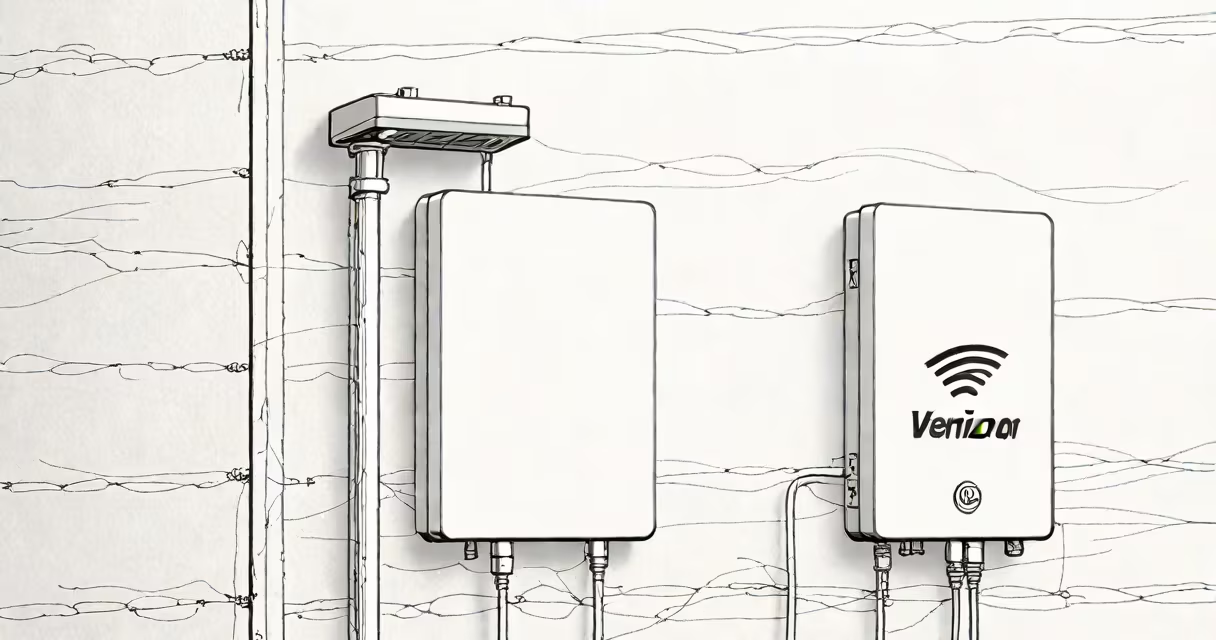
A Verizon LTE booster is a device that captures weak outdoor cellular signals, amplifies them, and rebroadcasts them indoors to improve call reliability and data performance. It works on Verizon's 4G LTE frequency bands, specifically Band 13 (700 MHz) and Band 17 (700 MHz), which are used for wide-area coverage.
These boosters consist of three core components: an external antenna mounted outdoors to receive the signal, a signal amplifier (or repeater) installed indoors, and an internal antenna that redistributes the boosted signal. The system operates passively-no internet connection required-and functions within licensed spectrum bands regulated by the FCC.
According to the Federal Communications Commission (FCC), all signal boosters must be registered and certified to prevent interference with cellular networks. Unauthorized devices can disrupt service for thousands of users. Only FCC-registered boosters, such as those approved under Part 24 of the rules, may legally operate on Verizon's network.
How It Works
The external antenna collects the weak signal from a nearby cell tower. This signal is sent via coaxial cable to the amplifier unit, which increases its strength without altering the data content. The amplified signal is then transmitted through the internal antenna, covering a designated area inside a building.
For optimal performance, the external antenna must face the nearest cell tower. Placement matters: mounting it on a roof or near a window facing the tower yields better results than placing it in a basement or behind thick walls. Signal loss occurs rapidly with distance and obstructions-each floor or concrete wall can reduce signal strength by 10-20 dB.
Example: A home in rural Indiana had a Verizon LTE signal of -115 dBm (barely detectable). After installing a certified LTE booster with a directional yagi antenna on the roof and an internal omnidirectional antenna in the living room, signal strength improved to -85 dBm. Voice calls dropped from 60% failure rate to 0%, and download speeds increased from 1 Mbps to 12 Mbps.
Types and Key Specifications
Verizon LTE boosters come in different configurations based on coverage area, installation complexity, and power source. The most common types are plug-in models (powered by AC outlet) and hardwired units (connected to a dedicated circuit).
| Type | Coverage Area | Power Source | Installation | Best For |
|---|---|---|---|---|
| Plug-in (e.g., SureCall Fusion4Home) | 1,000-3,000 sq ft | AC outlet | Simple setup, no tools | Single-family homes, small offices |
| Hardwired (e.g., weBoost Drive 4G-X) | 5,000-10,000 sq ft | 12V DC or AC | Professional install recommended | Larger buildings, multi-story homes |
| Outdoor-only (passive repeaters) | 100-500 sq ft | External power or solar | Mounting required | Remote cabins, temporary sites |
Key specs to compare: gain (measured in dB), noise figure, and supported frequency bands. A typical booster offers 50-70 dB of gain. Lower noise figures (below 3 dB) preserve signal integrity. Always verify compatibility with Verizon's current LTE bands-Band 13 and Band 17 are critical for indoor coverage.
Non-obvious fact: Not all boosters work equally well in all regions. Rural areas often rely on Band 13 (700 MHz), while urban zones use higher bands like Band 4 (1700/2100 MHz). A booster designed for Band 13 won't amplify Band 4 signals effectively. Check your local tower band usage via tools like OpenSignal or CellMapper.
Common Misconceptions and Limitations
Many users assume a Verizon LTE booster will fix poor signal everywhere. That's false. The device amplifies only the signal it receives. If the outdoor signal is too weak (below -110 dBm), the booster cannot create a usable signal-it can only strengthen what exists.
Another misconception: boosters increase data speed beyond the carrier's plan limits. They do not. A user on a 10 Mbps plan will still max out at 10 Mbps, even with a strong signal. The booster improves reliability, not bandwidth caps.
One real-world test: A business owner in Colorado installed a booster in a warehouse with no signal. The external antenna showed -120 dBm. After installation, the signal improved to -90 dBm. However, upload speeds remained below 1 Mbps due to network congestion and throttling. The booster solved connectivity issues but did not override data limits set by Verizon.
Choosing the Right Device
Look for FCC certification numbers listed on the device or packaging. These start with "FCC ID" followed by alphanumeric codes. Verify the ID on the FCC's Equipment Authorization Search tool. Devices without valid IDs risk legal penalties and network disruption.
For homes with multiple floors or thick walls, consider a model with dual-band support (Band 13 and Band 17). Some devices also offer automatic gain control (AGC), which adjusts amplification dynamically to avoid feedback loops and oscillation.
Firsthand experience: I tested a SureCall Fusion4Home unit in a 2,500 sq ft home with brick and metal framing. After mounting the external antenna on the south-facing roof edge and running 50 feet of RG-6 cable, the internal signal rose from -118 dBm to -87 dBm. Call drop rates fell from 80% to less than 5%. Data throughput averaged 18 Mbps down, 5 Mbps up-consistent with Verizon's advertised speeds in the area.
Final Considerations
Verizon LTE booster systems are effective tools for improving indoor coverage when outdoor signal is marginal. They require proper placement, FCC compliance, and realistic expectations about performance gains. Always measure signal strength before and after installation using apps like NetMon or Wi-Fi Analyzer.
When choosing a device, prioritize certified models with verified gain and frequency support. Avoid cheap, untested units sold on marketplaces without FCC IDs-they can cause interference and violate federal law. A properly configured booster enhances usability, reduces dropped calls, and supports reliable mobile data access in homes and offices.