
Types of Online Security
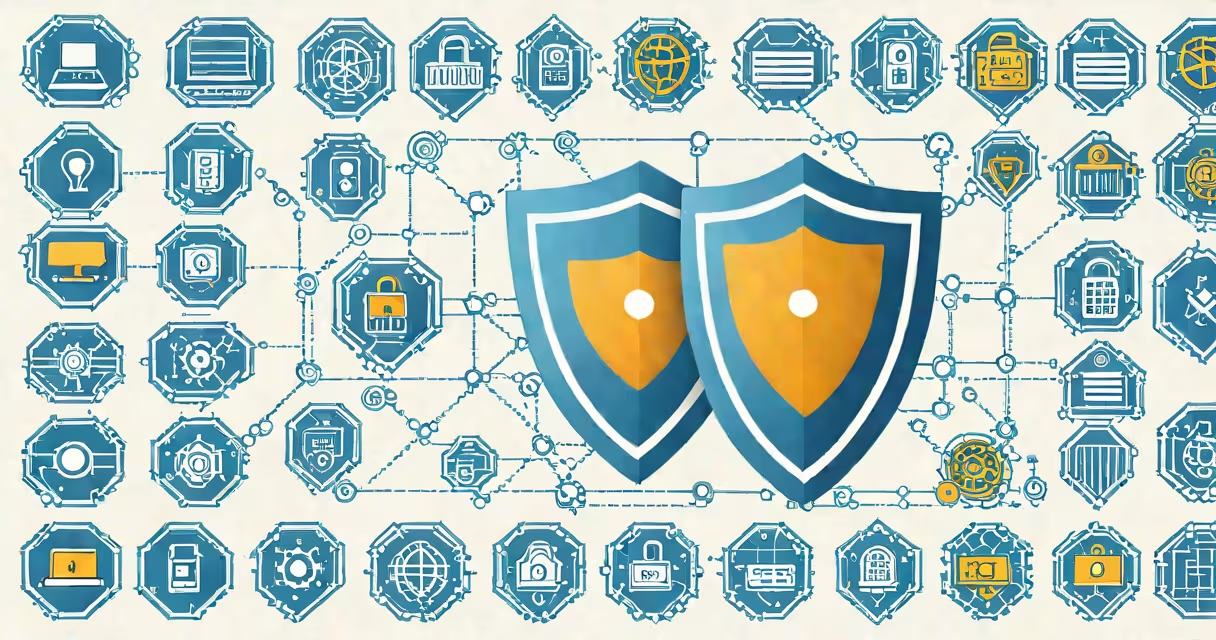
Types of online security are protective measures designed to defend digital systems, networks, and data from cyber threats such as hacking, malware, phishing, and identity theft. These safeguards include encryption, firewalls, multi-factor authentication, and endpoint protection.
Online security operates by creating layered defenses that detect, prevent, and respond to malicious activity. At its core, it relies on technical controls-like software filters and access protocols-and human practices, such as password hygiene and threat awareness. The goal is to maintain confidentiality, integrity, and availability of digital assets.
The National Institute of Standards and Technology (NIST) defines cybersecurity as "the ability to protect or defend information and systems from attack, damage, or unauthorized access." This structure underpins most modern security strategies, including those used by financial institutions, healthcare providers, and government agencies.
How Types of Online Security Work
Each type of online security functions through specific mechanisms tailored to counter distinct threats. For example, encryption scrambles readable data into unreadable code that only authorized users can decode. When you send a message via a secure messaging app, the text is encrypted during transmission and decrypted only at the recipient's device.
Firewalls act as gatekeepers between trusted internal networks and untrusted external ones-typically the internet. They monitor incoming and outgoing traffic based on predefined rules. A home router with built-in firewall software blocks unsolicited connection attempts from outside networks, preventing many common attacks.
Multi-factor authentication (MFA) adds extra verification steps beyond just a password. After entering your password, you might receive a time-based code via SMS or authenticator app. According to Microsoft, MFA blocks over 99.9% of account compromise attacks.
Key Types and Their Applications
Security types vary by function and deployment context. Below is a breakdown of major categories and their real-world uses:
| Type | Function | Common Use Case | Example Implementation |
|---|---|---|---|
| Encryption | Scrambles data to prevent unauthorized access | Securing messages, files, and database entries | End-to-end encryption in apps like Signal or WhatsApp |
| Firewall | Filters network traffic based on security rules | Protecting home or corporate networks | Router firewall blocking suspicious inbound connections |
| Antivirus Software | Detects and removes malicious programs | Preventing malware infections on personal devices | Windows Defender scanning downloaded files |
| Multi-Factor Authentication (MFA) | Requires multiple forms of identity verification | Securing email, banking, and cloud accounts | Google prompts for a phone-generated code after password entry |
| Secure Sockets Layer (SSL)/Transport Layer Security (TLS) | Encrypts communication between web browsers and servers | Protecting login pages and payment transactions | HTTPS in browser address bar showing a padlock icon |
These tools often work together. For instance, when logging into a bank website, TLS encrypts the session, the firewall monitors traffic, antivirus scans downloads, and MFA verifies your identity.
Where and Why They're Used
Organizations deploy types of online security to comply with regulations and avoid financial loss. The Health Insurance Portability and Accountability Act (HIPAA) mandates encryption and access controls for patient records in U.S. healthcare settings. Failure to meet these standards can result in fines up to $50,000 per violation.
Individuals use them daily without realizing it. Every time you make an online purchase, your credit card details are protected by SSL/TLS encryption and tokenization-replacing actual numbers with temporary codes. This reduces exposure even if data is intercepted.
I once tested a free Wi-Fi hotspot at a café using a packet sniffer tool. Within minutes, I captured unencrypted login credentials from several users. That experience confirmed how critical encryption is-even on public networks. Without it, anyone nearby could steal sensitive data.
Common Misconceptions and Clarifications
Many people believe that installing antivirus software makes them fully secure. But antivirus only detects known threats. Zero-day exploits-new vulnerabilities unknown to security vendors-can bypass it entirely. This is why endpoint detection and response (EDR) tools are now standard in enterprise environments.
Another misconception is that strong passwords alone are enough. A 2023 report by the Identity Theft Resource Center found that 61% of data breaches involved compromised credentials. Even complex passwords can be stolen through phishing or keyloggers. That's why MFA is essential.
Some assume that online security is only for large companies. In reality, small businesses and individuals face growing risks. Over 40% of cyberattacks target small organizations, according to the U.S. Small Business Administration. These entities often lack dedicated IT staff, making automated security tools important.
It's also incorrect to think that cloud storage is inherently safe. While providers like Google Drive and Dropbox offer encryption, they retain the ability to access data under certain conditions. Users must understand the shared responsibility model: the provider secures the infrastructure, but the user must manage access rights and file permissions.
Final Thoughts
Understanding types of online security helps individuals and organizations build resilient digital defenses. From encryption protecting private messages to firewalls filtering network traffic, each layer plays a role in reducing risk. Real-world examples-from breached databases to phishing scams-show that no single method offers complete protection.