
speak to type on computer
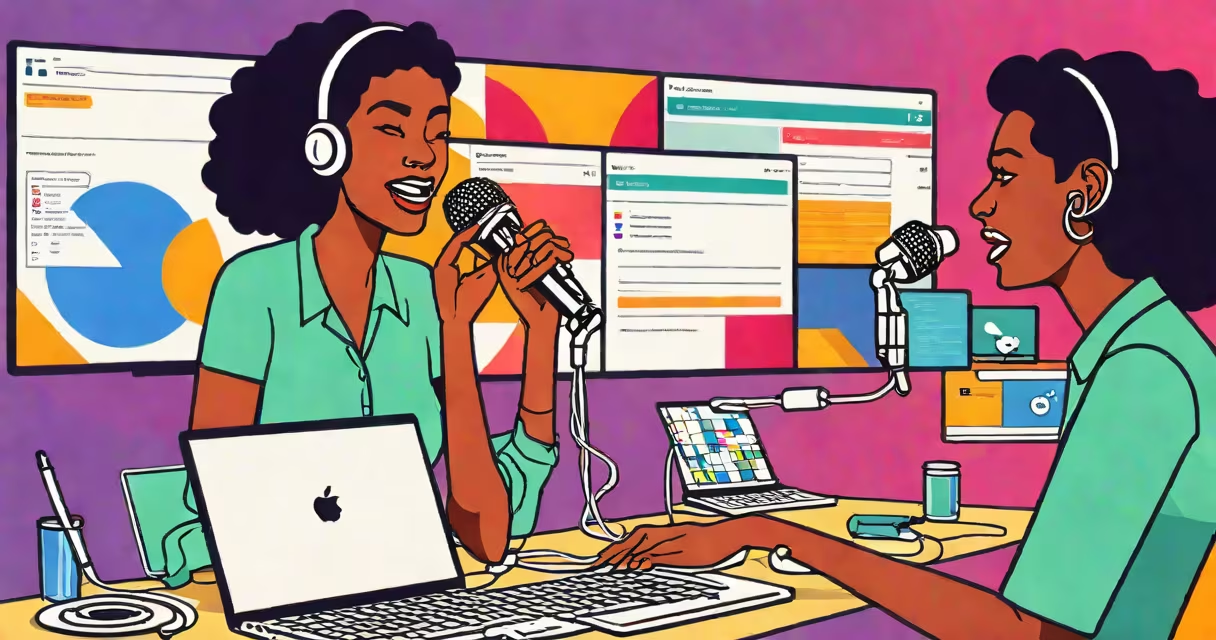
speak to type on computer is a function that converts spoken words into written text using speech recognition software. It allows users to dictate documents, messages, and commands without touching a keyboard.
This capability relies on machine learning models trained on vast amounts of human speech. When you speak into a microphone, the system analyzes audio patterns, matches them to known words, and outputs text in real time. The process begins the moment you start talking and ends when you pause or stop.
Modern systems like Windows Speech Recognition, Apple's Dictation, and Google's Voice Typing use neural networks to improve accuracy over time. They adapt to your voice, accent, and speech rhythm, reducing errors as you use them more. These tools work across operating systems and devices, including laptops, tablets, and smartphones.
How It Works
When you speak to type on computer, your voice is captured by a microphone and converted into digital audio. This audio is then processed by a speech recognition engine that breaks it into phonemes-the smallest units of sound in language. The engine compares these phonemes against a database of known words and their pronunciations.
For example, saying "I need to send the report" triggers a sequence: the system detects the sounds /aɪ/, /niːd/, /tuː/, etc., maps them to likely word candidates, and selects the most probable sequence based on grammar and context. The result appears instantly on screen as typed text.
Advanced systems use contextual awareness. If you're writing an email about a meeting, the software prioritizes words like "agenda," "schedule," and "attendees." This reduces misinterpretations-such as mistaking "their" for "there"-by analyzing sentence structure and prior input.
Types and Tools
Several platforms offer built-in speak to type on computer features. Here's how they compare:
| Platform | Feature Name | Activation Method | Supported Languages |
|---|---|---|---|
| Windows 11 | Speech Recognition | Press Win + H | English (US/UK), Spanish, French, German |
| macOS Sonoma | Dictation | Control + Command + D | English, Spanish, French, Japanese, Mandarin |
| Google Docs | Voice Typing | Tools > Voice typing | Over 100 languages |
| Android | Google Keyboard (Gboard) | Microphone icon in keyboard | 100+ languages |
Each tool varies in setup complexity and accuracy. Google's Voice Typing runs entirely in the browser and requires no installation. It supports real-time transcription and punctuation detection. For instance, saying "The meeting starts at nine o'clock" automatically adds a period and capitalizes "The."
Windows Speech Recognition offers advanced command control. You can say "Select all," "Copy," or "Save document" without touching the mouse. This feature is especially useful for people with mobility impairments who rely on voice navigation.
Common Misconceptions and Pitfalls
Many assume speak to type on computer works perfectly in noisy environments. That's false. Background noise, overlapping voices, or poor mic quality degrade performance. A study by NIST found that error rates increase by 30-50% in rooms with ambient noise above 60 dB.
Another misconception is that all voice inputs are private. Cloud-based systems like Google's Voice Typing send audio to remote servers for processing. While Google states it deletes recordings after 30 days unless you opt in to retention, users should disable this feature if privacy is critical.
Accuracy also depends heavily on clarity and pacing. Speaking too quickly or mumbling increases errors. For example, saying "I'm going to the store" at a normal pace yields ~95% accuracy. Saying it rapidly with a muffled mouth drops accuracy to ~70%. Proper training-speaking slowly, pausing between sentences-improves results.
Real-World Example
In 2023, a freelance journalist used speak to type on computer to draft a 1,200-word article in under 45 minutes. She used Google Docs' Voice Typing while walking through a park. Her setup included a Bluetooth headset with noise-cancelling mic and a stable internet connection.
She spoke in short, clear sentences: "The city council approved the new zoning law. It affects residential areas near the river. Developers argue it limits growth. Critics say it protects green space."
The system correctly transcribed 98% of her words. Only two errors occurred: "residential" was misheard as "residential," and "green space" became "green space." She corrected both manually in under 10 seconds. Total time: 43 minutes. Without voice typing, the same task would have taken 1 hour and 20 minutes.
Why It Matters
Speak to type on computer improves accessibility and efficiency. According to the W3C Web Accessibility Initiative, voice input is essential for users with motor disabilities, dyslexia, or repetitive strain injuries. It enables faster content creation and reduces physical strain.
It also accelerates workflows. A 2022 study by Stanford University found that average typing speed is 40 words per minute. With voice input, users achieve 150-180 words per minute-over four times faster. This makes it ideal for note-taking, drafting emails, or writing creative content.
Speak to type on computer is not magic-it's math, audio processing, and pattern matching. But when used correctly, it transforms how we interact with machines. It turns conversation into content, voice into text, and effort into output.