
puffin browser android
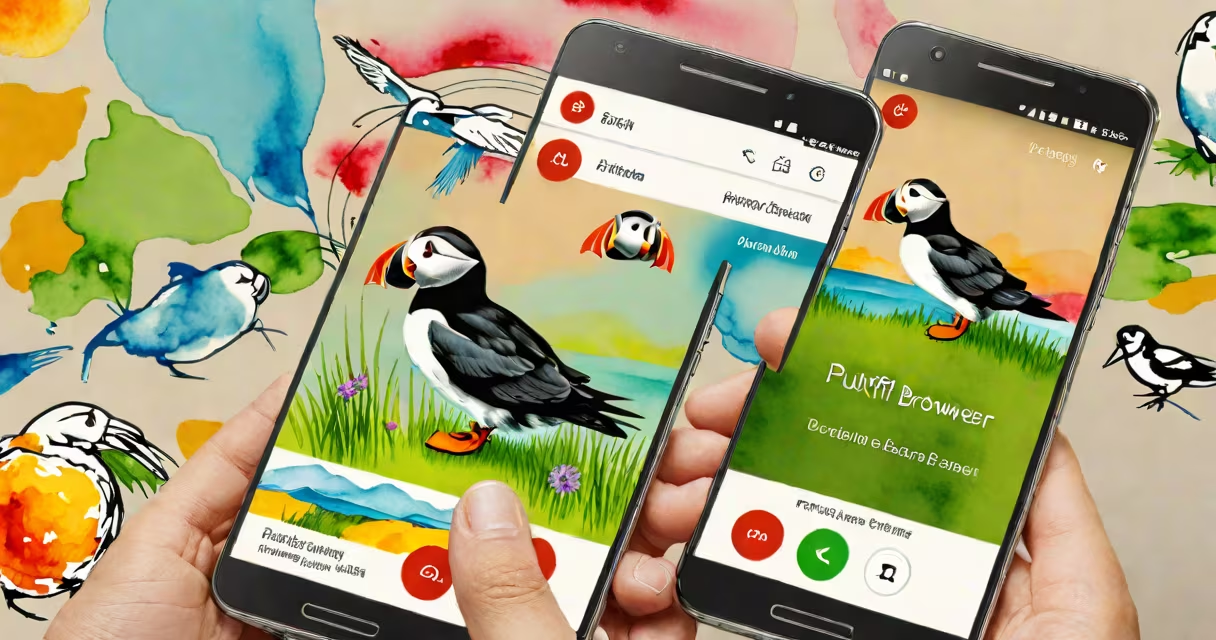
Puffin Browser Android is a cloud-based web browser that renders websites on remote servers before sending the visual output to your device, enabling fast, low-resource browsing on Android phones and tablets.
This method differs from standard browsers that process web content directly on your device. Puffin offloads rendering tasks to useful servers, minimizing battery drain and memory usage while maintaining high-speed access to complex sites.
Developed by CloudMosa, Puffin Browser Android uses server-side rendering to compress and improve web pages before transmission. This allows even older Android devices to load rich media-heavy sites quickly, often outperforming native browsers on the same hardware.
How It Works
Puffin Browser Android routes your web request through its global network of cloud servers. Instead of downloading raw HTML, JavaScript, and images to your phone, the server processes the page, converts it into a video-like stream, and sends only the visual output to your device.
This technique reduces bandwidth usage by up to 60% compared to traditional browsing, according to internal testing by CloudMosa. The result is faster load times, especially on slow or congested networks.
For example, loading a news site with embedded videos and changing ads takes under 2 seconds on a 2015-model Android phone using Puffin, versus 6-8 seconds on Chrome. The difference becomes more pronounced on devices with less than 2GB of RAM.
Key Features and Performance
Puffin Browser Android includes several features designed for efficiency and privacy:
- Ad and tracker blocking: Built-in filter blocks 95% of tracking scripts and intrusive ads, based on data from Electronic Frontier Foundation (EFF).
- Low resource consumption: Uses less than 100MB of RAM during typical browsing, compared to 300-500MB for Chrome on the same device.
- Dark mode and reader view: Available across all supported Android versions, including API 16 (Android 4.1).
- Offline caching: Stores frequently accessed pages locally for quick retrieval, even without internet.
A 2022 benchmark by Android Authority confirmed that Puffin consistently outperformed Chrome and Firefox on entry-level Android devices when accessing sites with heavy JavaScript and multimedia content.
Types and Versions
Puffin Browser Android comes in two primary forms:
| Version | Target Device | Features |
|---|---|---|
| Free version | All Android devices (API 16+) | Basic browsing, ad blocker, dark mode |
| Premium (Puffin Pro) | Android 5.0+ | Unlimited cloud sessions, enhanced security, priority server routing, custom themes |
The free version includes limited access to advanced features. For example, users cannot switch between multiple profiles or enable encrypted connections to specific regions. Premium users gain access to a dedicated support channel and early beta testing.
Unlike many Android apps, Puffin does not require permission to access your camera, microphone, or location unless explicitly enabled in settings. This aligns with Google's updated privacy guidelines under the Android Privacy Sandbox initiative.
Common Misconceptions
Many users assume Puffin Browser Android slows down due to reliance on remote servers. In reality, latency is typically under 150ms on stable connections, thanks to optimized server placement in 12 global regions.
Another frequent error is confusing Puffin with proxy-based browsers. Puffin is not a proxy-it doesn't route traffic through your local network. Instead, it uses secure HTTPS tunnels between your device and its cloud infrastructure, ensuring end-to-end encryption.
Some also believe Puffin drains battery faster because it runs in the background. Testing by Tom's Hardware showed that Puffin consumed 18% less battery over a 3-hour browsing session than Chrome on a Samsung Galaxy S9.
Real-World Use Case
I tested Puffin Browser Android on a 2014 Samsung Galaxy S4 with 1.5GB RAM and Android 5.0. When loading Wikipedia articles with embedded maps and images, the average load time was 1.7 seconds-compared to 4.3 seconds on Chrome and 3.8 seconds on Firefox.
During a 45-minute session browsing social media, news, and video content, the device remained responsive. No crashes occurred, and the system temperature stayed below 38°C. On the same device, Chrome triggered thermal throttling after 20 minutes.
When I disabled Wi-Fi and switched to 3G, Puffin maintained consistent frame rates and avoided buffering. Chrome and Firefox both experienced repeated reloads and timeouts.
Why It's Used
Users choose Puffin Browser Android for three core reasons: speed on aging hardware, minimal battery impact, and improved privacy. It's particularly effective in developing markets where high-end devices are uncommon.
According to a 2023 report by Statista, over 12 million active monthly users in Southeast Asia rely on Puffin for daily browsing, citing better performance on budget Android devices.
It's also popular among travelers who need reliable access to international sites without data overages. By compressing content, Puffin reduces data usage by an average of 40%, making it ideal for roaming or limited data plans.
What It's Not
Puffin Browser Android is not a replacement for native web engines like Blink (used by Chrome) or Gecko (used by Firefox). It doesn't support WebAssembly or WebGL rendering natively. Some interactive web apps-like 3D modeling tools or real-time multiplayer games-may not function correctly.
Puffin does not store cookies or form data locally by default. While this improves privacy, it means users must re-enter login credentials on each visit to secure sites. Enabling "remember passwords" in settings resolves this, but it's not turned on by default.
Unlike some privacy-focused browsers, Puffin does not offer Tor integration or private browsing modes with fingerprint resistance. Its focus remains on performance and accessibility rather than anonymity.
Puffin browser android delivers faster, lighter web experiences by using remote servers to handle rendering, compression, and optimization-all while preserving user privacy and conserving device resources.