
Secondary Data Storage
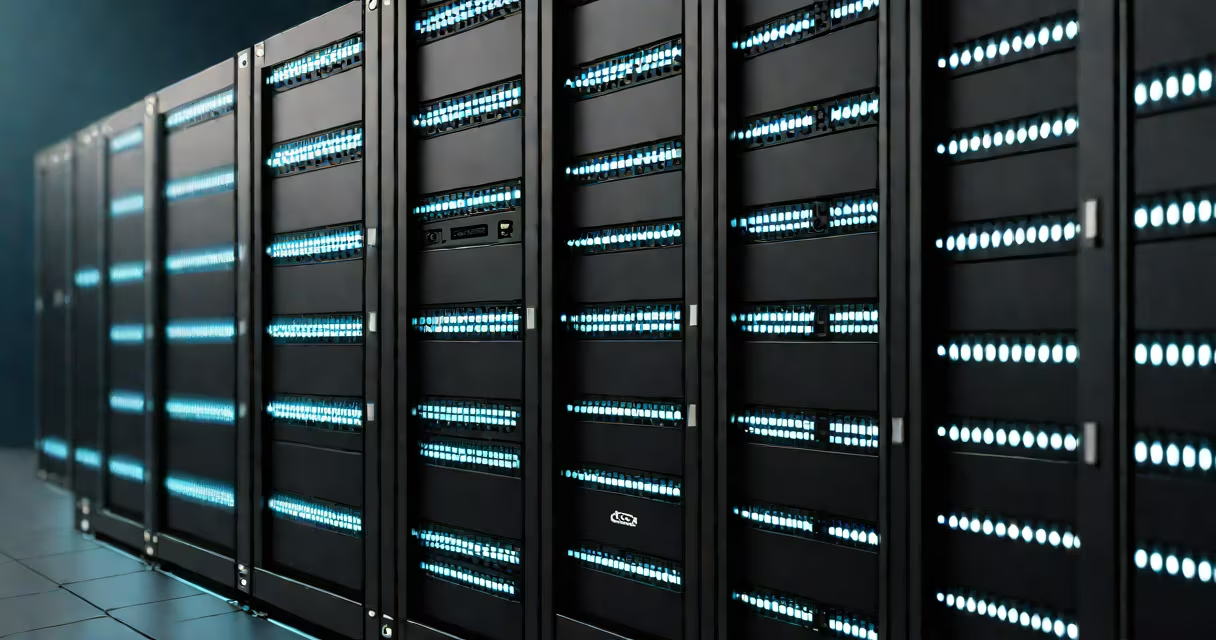
Secondary data storage is a redundant system that preserves data beyond primary storage, ensuring access during hardware failure, cyberattacks, or natural disasters. It operates independently of the main system to maintain integrity and availability.
Unlike primary storage-such as RAM or internal SSDs that actively run applications-secondary data storage holds data persistently. It includes external hard drives, network-attached storage (NAS), cloud platforms, and tape libraries. These systems retain data even when powered off, enabling long-term retention and recovery.
Organizations use secondary data storage to meet compliance requirements, prevent downtime, and support business continuity. For example, a hospital may store patient records on a local NAS while also backing them up to a cloud provider like AWS S3. If the on-site server fails, the team can restore operations within minutes using the secondary copy.
How Secondary Data Storage Works
When data is written to primary storage, a separate process copies it to one or more secondary locations. This transfer can happen in real time (synchronous replication), shortly after (asynchronous), or at scheduled intervals (batch processing).
Replication methods vary based on need. Synchronous replication ensures both systems have identical data at all times but requires low-latency connections. Asynchronous replication allows greater distance between sites and tolerates network delays, making it ideal for cross-regional backups.
Access to secondary data typically requires authentication and authorization. Encryption protects data both in transit and at rest. For example, when a company uploads files to Google Cloud Storage, the data is encrypted using AES-256 before leaving the client device.
Types and Technologies
Several technologies serve as secondary data storage, each suited to different use cases.
| Type | Use Case | Speed | Cost per TB | Best For |
|---|---|---|---|---|
| External HDD/SSD | Local backups, personal archives | Medium | $30-$60 | Small businesses, individuals |
| NAS (Network Attached Storage) | Team file sharing, centralized backup | High | $100-$200 | Office environments, creative teams |
| Cloud Storage | Disaster recovery, remote access | Variable | $10-$50 | Enterprises, remote workers |
| Tape Libraries | Long-term compliance, legal archives | Low | $5-$15 | Regulated industries (finance, healthcare) |
Each option balances speed, cost, durability, and accessibility. Tape libraries offer the lowest cost per terabyte and highest longevity-up to 30 years-but require physical handling and slow retrieval times. Cloud services provide instant scalability and global access but depend on internet connectivity and ongoing subscription fees.
Hybrid approaches combine multiple types. A university might store research datasets on a local NAS for daily access, replicate them nightly to a cloud service, and archive older versions on magnetic tapes stored offsite. This layered strategy minimizes risk across all failure modes.
Common Misconceptions and Clarifications
Many assume secondary data storage is synonymous with "backup." While backup is a function of secondary storage, not all secondary storage is used for backup. For example, a video editing studio may keep raw footage on a high-speed NAS for immediate access, even though it's not part of a formal backup plan.
Another misconception is that cloud storage automatically ensures security. The reality is that users remain responsible for encryption keys and access policies. According to NIST Special Publication 800-144, "cloud customers must understand shared responsibility models-providers secure infrastructure, but users protect data and identities."
A lesser-known fact: secondary storage devices often degrade faster than expected. A 2022 study by Backblaze found that consumer-grade hard drives in secondary use had a 12-month failure rate of 4.3%, higher than the 1.2% claimed by manufacturers under ideal conditions. Regular health checks and rotation schedules reduce this risk.
Real-World Example: Financial Institution Data Protection
A regional bank uses a multi-layered secondary data storage strategy. Primary transaction logs are stored on RAID-protected servers. Every hour, the system pushes a copy to a geographically distant NAS cluster. Daily, encrypted snapshots are uploaded to Microsoft Azure Blob Storage. Weekly, older data is compressed and written to LTO-9 tapes, which are stored in a climate-controlled vault.
When a ransomware attack compromised the primary system in 2023, the bank restored operations from the most recent Azure snapshot within 90 minutes. The NAS cluster provided a fallback for the previous 24 hours' transactions. The tape archive later helped verify audit trails during regulatory review.
This setup demonstrates how secondary data storage enables resilience. Without it, the bank would have lost months of financial records and faced severe penalties.
Key Distinctions
Secondary data storage differs from primary storage in purpose and behavior. Primary storage handles active computation-RAM, SSDs in servers. Secondary storage supports persistence and recovery.
It also differs from tertiary storage, which refers to automated systems like robotic tape libraries. Tertiary storage is slower and used for archival purposes, not frequent access. Secondary storage includes both online (always available) and nearline (accessed on demand) options.
Some confuse secondary storage with caching. Caching improves performance by holding frequently accessed data close to the processor. It's temporary and volatile. Secondary storage is durable, persistent, and designed for long-term safety.
I once set up a backup system for a small law firm using a single external drive connected via USB. After six months, the drive failed due to power surges. The firm lost five years of case files. That experience taught me: redundancy isn't optional. Even a single secondary location isn't enough. Multiple copies across different media and locations are essential.