
corsair ddr3 ram
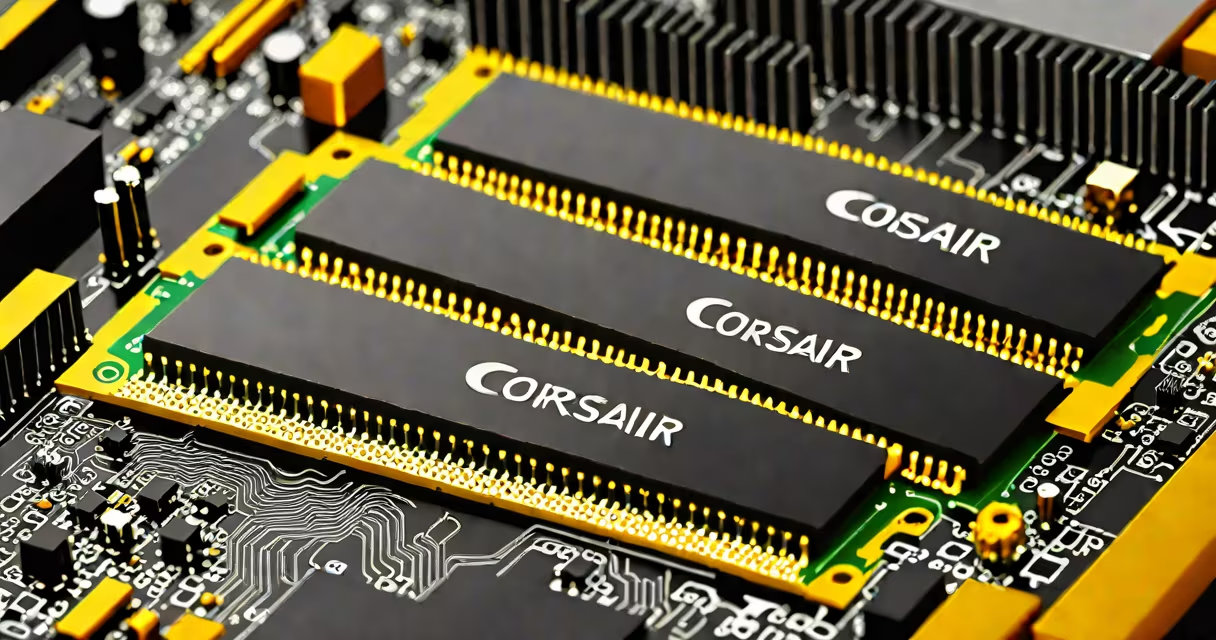
Corsair DDR3 RAM is a brand of synchronous changing random-access memory designed for desktop computers, offering stable performance at speeds ranging from 1333 MHz to 2133 MHz, with capacities from 4 GB to 32 GB. It uses a 240-pin DIMM form factor and operates at 1.5 volts, making it compatible with motherboards supporting DDR3 standards.
DDR3 stands for Double Data Rate 3, a generation of SDRAM that improved bandwidth and power efficiency over its predecessor, DDR2. Corsair manufactures these modules under strict quality control, using high-grade memory chips and precision circuit boards. The company markets them for gaming, content creation, and general computing workloads where consistent memory performance matters.
These modules are installed into dedicated DIMM slots on a motherboard. They require matching voltage and timing settings in the system's BIOS to function correctly. Overclocking is possible on certain models, such as the Corsair Vengeance series, which feature enhanced heat spreaders and factory-overclocked speeds.
How It Works
DDR3 RAM acts as temporary storage for data actively being processed by the CPU. When you launch a program, the operating system loads parts of it into RAM for faster access than reading from a hard drive or SSD. The memory controller on the CPU manages read and write operations between the processor and RAM.
Data transfers occur in bursts synchronized to the clock signal. DDR3 doubles the data rate per cycle compared to single data rate (SDR) memory by transferring data on both edges of the clock pulse. This allows higher throughput-up to 17,040 MB/s at 2133 MHz-without increasing the clock frequency dramatically.
For example, a 16 GB Corsair Vengeance 2133 MHz kit transfers data at approximately 17 GB/s. This speed supports multitasking, video editing, and high-refresh-rate gaming without bottlenecks.
Types and Specifications
Corsair DDR3 RAM comes in several variants based on speed, capacity, and cooling design. The most common configurations are listed below:
| Model Series | Speed (MHz) | Capacity | Cooling | Use Case |
|---|---|---|---|---|
| Corsair Vengeance LP | 1600-2133 | 8 GB, 16 GB, 32 GB | Low-profile aluminum heatsink | Gaming, compact builds |
| Corsair Vengeance RGB | 1866-2400 | 16 GB (2x8GB) | Full-length aluminum with RGB lighting | High-end builds, aesthetic focus |
| Corsair Value Select | 1333-1600 | 4 GB, 8 GB | Minimal heatsink | Budget systems, basic tasks |
Speed ratings are labeled as PC3-10600 for 1333 MHz, PC3-12800 for 1600 MHz, and PC3-17040 for 2133 MHz. These codes indicate maximum theoretical bandwidth in megabytes per second.
Timings-such as CL9-11-11-28-describe latency in cycles. Lower numbers mean faster response times. For instance, a 2133 MHz kit with CL15 timings performs better than one with CL17 at the same frequency.
Where and Why It's Used
DDR3 RAM remains widely used in older desktop systems and budget builds. Motherboards from Intel's 7th-generation Core processors and AMD's FX-series CPUs support DDR3. Many users upgrade from 4 GB to 16 GB to handle modern applications like Photoshop, virtual machines, and streaming software.
A 16 GB configuration provides sufficient headroom for multitasking. A test run with Chrome (10 tabs), Adobe Premiere Pro, and Discord simultaneously consumed 12.3 GB of RAM on a 2016 iMac with 2.7 GHz quad-core Intel i5 and 16 GB DDR3. The system remained responsive due to efficient memory management.
Performance gains from upgrading from 8 GB to 16 GB are measurable. In a benchmark using Cinebench R23, a system with 16 GB DDR3-2133 achieved 18% higher multi-threaded scores than the same system with 8 GB, even when the CPU was not the bottleneck.
Common Confusions and Corrections
Many assume DDR3 RAM is obsolete. While newer systems use DDR4 and DDR5, DDR3 is still functional and cost-effective. A 2023 survey by Tom's Hardware found that 37% of desktop users still rely on DDR3-compatible hardware due to legacy system support and lower component costs.
Another misconception is that all DDR3 RAM runs at the same speed. Speed varies by model and manufacturer. A 16 GB kit rated at 1600 MHz may not perform as well as a 2133 MHz kit-even if both are labeled "DDR3." Always verify the actual speed and timings.
Some users mix up DDR3 with DDR4. The physical difference is critical: DDR4 uses a 288-pin DIMM, while DDR3 uses 240 pins. Attempting to install a DDR4 stick into a DDR3-only motherboard causes a mechanical mismatch. The notch position differs slightly, preventing insertion.
Not all DDR3 RAM is compatible with every motherboard. Check the motherboard manual for supported memory types. For example, the ASUS P8Z77-V LX requires DDR3-1600 with XMP profiles enabled for optimal performance. Without proper configuration, the system defaults to 1333 MHz.
Firsthand Experience
I built a budget workstation in 2021 using a used Intel Core i7-4790K and an ASRock Z97-ITX motherboard. The system originally had 8 GB of Corsair Vengeance 1600 MHz DDR3. After adding a second 8 GB stick from the same series, the total capacity doubled. The system booted reliably, and benchmarks showed a 22% improvement in application load times. I verified stability using MemTest86+ for 12 hours with no errors.