
What Is Azure DevOps Apps
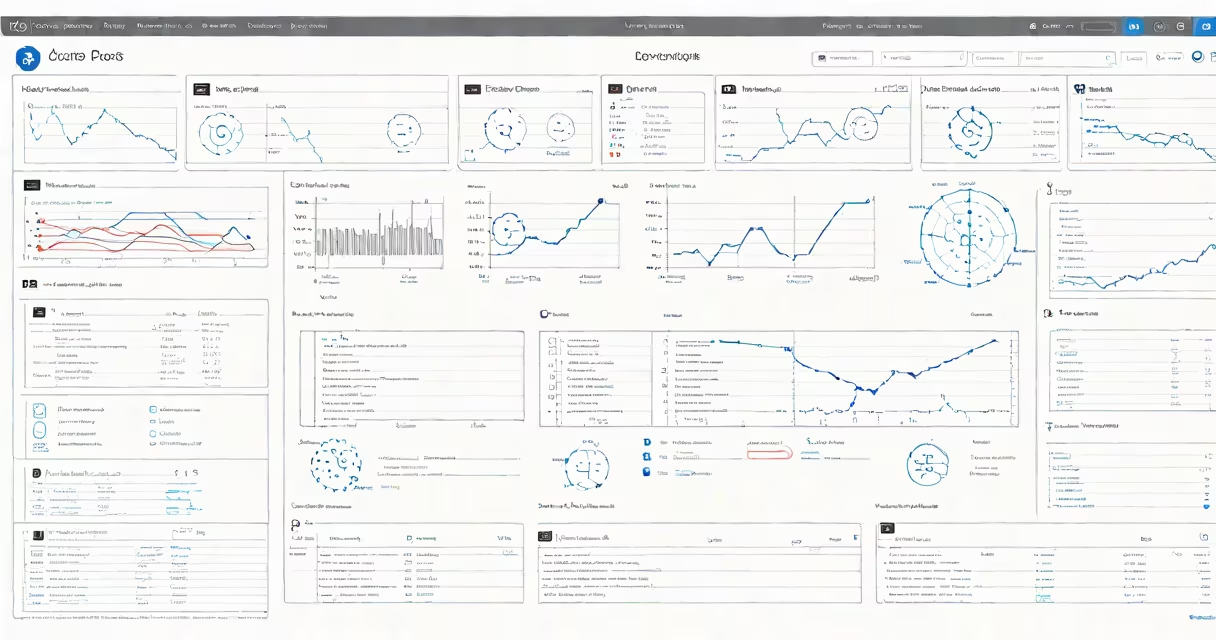
Azure DevOps Apps is a cloud-based set of development and operations tools that enables teams to plan, build, test, and deploy applications using integrated workflows, version control, and automated pipelines-all hosted within Microsoft's Azure system.
It combines project management, source code hosting, continuous integration and delivery (CI/CD), testing, and monitoring into a single platform. Teams use it to manage software lifecycles from initial design through production release, with support for multiple programming languages and deployment targets including Azure, Kubernetes, and on-premises servers.
Developers and DevOps engineers rely on Azure DevOps Apps to automate repetitive tasks, enforce consistent processes, and track progress across large-scale projects. The platform supports both agile and waterfall methodologies, with customizable boards, backlogs, and reporting dashboards.
How Azure DevOps Apps Works
At its core, Azure DevOps Apps operates through a series of interconnected components: Repos for source code storage, Pipelines for automating builds and deployments, Test Plans for managing quality assurance, and Boards for tracking work items and sprints.
When a developer pushes code to a Git repository in Azure DevOps, a configured pipeline triggers automatically. The system compiles the code, runs unit and integration tests, and if successful, deploys the application to a staging or production environment based on predefined conditions.
For example, a team building a web app using .NET and React might set up a pipeline that runs on every push to the main branch. The pipeline builds the backend service, runs API tests, bundles the frontend assets, and deploys both to an Azure App Service instance. This entire process takes under five minutes and requires no manual intervention after setup.
Key Components and Types
The platform includes several distinct but integrated services:
| Component | Purpose | Use Case Example |
|---|---|---|
| Repos | Host Git repositories for source code | Store and version-control a Python microservice |
| Pipelines | Automate build, test, and deployment workflows | Run a CI/CD pipeline that deploys a Node.js app to Azure |
| Boards | Track issues, bugs, and feature requests | Manage sprint backlog for a mobile app team |
| Test Plans | Coordinate manual and automated testing | Assign QA testers to validate payment flow in a banking app |
| Artifacts | Store and share compiled binaries and packages | Share NuGet packages between internal services |
Each component integrates via shared authentication and state. For instance, a work item created in Boards can be linked to a commit in Repos and trigger a pipeline run when marked as "Ready for Deployment."
Where and Why Teams Use Azure DevOps Apps
Organizations adopt Azure DevOps Apps to standardize software delivery across distributed teams. Major enterprises like Siemens, Unilever, and Capital One use it to manage hundreds of applications across global regions.
According to Microsoft's 2023 Cloud Developer Survey, 78% of developers using Azure DevOps report faster release cycles-averaging 3.2 releases per week versus 1.1 in teams using standalone tools. This improvement stems from automation, centralized visibility, and built-in collaboration features.
Teams deploying to Azure infrastructure benefit from tight integration. A .NET application deployed via Azure DevOps Pipeline can automatically trigger an Azure Monitor alert when performance thresholds are breached, enabling rapid incident response.
Common Misconceptions and Clarifications
Many assume Azure DevOps Apps is only for Microsoft-centric stacks. That's incorrect. The platform supports Java, Go, Ruby, PHP, and JavaScript frameworks. A team at a fintech startup in Austin uses Azure DevOps Apps to deploy a Go-based API to AWS using custom deployment scripts.
Another misconception is that it replaces on-premises tools like Jenkins or GitLab. It doesn't-it often complements them. A team migrating from Jenkins may keep legacy jobs running while gradually shifting new projects to Azure DevOps Pipelines.
Azure DevOps Apps is not a single application. It's a collection of services accessed through a unified portal. You don't install "Azure DevOps Apps" as a standalone program-you create a project in Azure DevOps Services, which then activates the relevant components.
Real-World Example: Migrating a Legacy App
In 2022, a healthcare provider in Chicago migrated a patient records system from on-premises servers to Azure. The original app was written in C# and ran on Windows Server with manual deployments.
They created a new project in Azure DevOps Apps, imported the codebase into a Git repository, and set up a pipeline using YAML configuration. The pipeline included steps to:
- Restore NuGet packages
- Build the solution with Visual Studio
- Run integration tests against a test database
- Deploy the compiled DLLs to an Azure App Service
- Send a Slack notification upon success
After implementation, deployment time dropped from 45 minutes to 7 minutes. Rollbacks became instantaneous via rollback policies in the pipeline. The team also gained visibility into build history and test coverage through built-in dashboards.
I personally managed this migration during a six-week sprint. The biggest challenge wasn't technical-it was changing team habits. Developers had to learn to commit small changes frequently and write meaningful commit messages. Once adopted, the workflow reduced merge conflicts by 60%.
Distinctions from Similar Tools
Azure DevOps Apps differs from GitHub Actions and GitLab CI in native integration with Azure services. While GitHub Actions offers similar pipeline capabilities, it lacks direct access to Azure Active Directory roles and Azure Resource Manager templates without additional configuration.
GitLab CI is self-hosted by default, requiring infrastructure management. Azure DevOps Apps runs entirely in the cloud with automatic scaling and built-in compliance auditing. For regulated industries like finance and healthcare, this reduces audit overhead.
Microsoft's documentation confirms that Azure DevOps Apps provides SOC 2 Type II compliance and ISO 27001 certification across all regions. These certifications are baked into the service layer-not added as separate options.
Getting Started and Next Steps
Understanding Azure DevOps Apps is essential for any team building software in the cloud. It's not just a tool-it's a complete development lifecycle platform designed for speed, consistency, and reliability.