
Free PC Audit
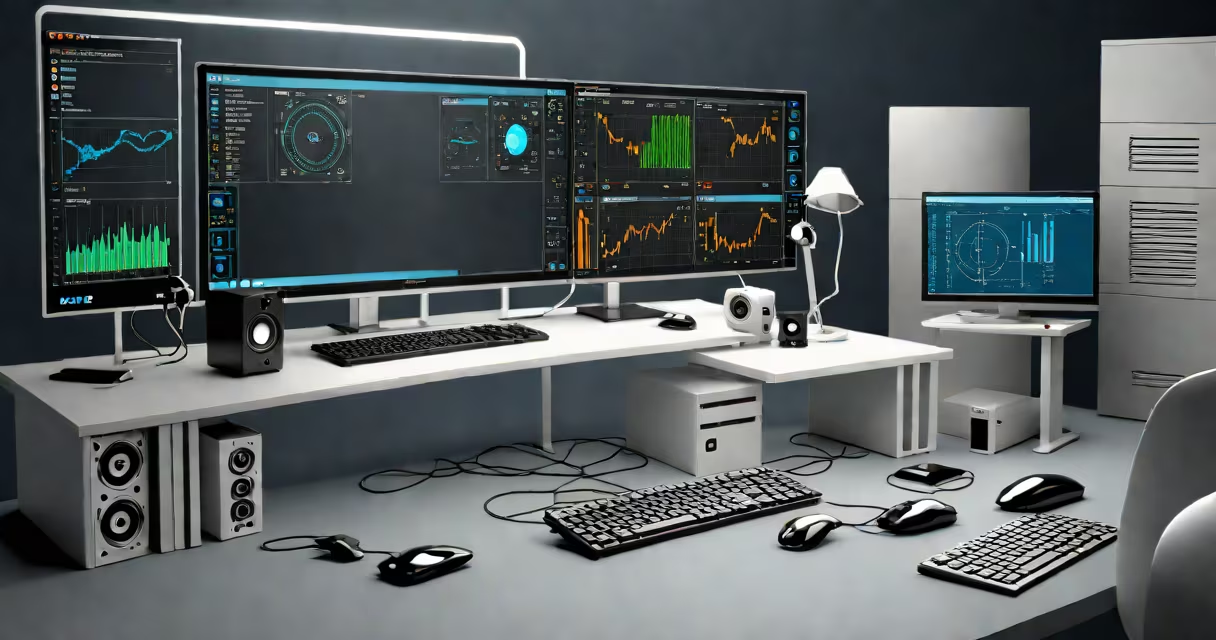
A free pc audit is a diagnostic process that scans your computer's hardware, software, and system settings to identify performance bottlenecks, outdated components, and potential security vulnerabilities. It delivers a report highlighting issues and suggesting fixes-all at no cost.
These audits run automatically or on demand using lightweight tools installed via download or web-based access. They analyze CPU usage, memory allocation, disk space, driver versions, startup programs, and firewall status. Results appear in a dashboard format with color-coded alerts: green for okay, yellow for caution, red for urgent action.
Unlike paid system cleanup suites, free pc audits don't modify files or install software. They only assess and report. This makes them safe for users who want transparency without risk of unintended changes.
How a Free PC Audit Works
The tool begins by scanning your operating system and connected devices. It checks for missing Windows updates, corrupted system files, and inactive services. For example, a scan may flag that your graphics driver is version 31.0.15.3000, which is 14 months behind the latest release.
Next, it evaluates storage health. A free pc audit measures available disk space, file fragmentation levels, and read/write speeds. If your SSD shows sustained write latency above 2ms during idle periods, the tool logs it as a warning-indicating early signs of wear.
Finally, it reviews network and security settings. The audit checks whether your firewall is enabled, if antivirus software is running, and whether any unauthorized programs are accessing the internet. These findings are compiled into a single report accessible through a browser or desktop app.
Types of Free PC Audits
Free pc audits fall into three categories based on scope and delivery method:
| Type | Scope | Delivery Method | Best For |
|---|---|---|---|
| Basic System Check | OS stability, disk space, RAM usage | Web-based or standalone executable | Quick troubleshooting and daily monitoring |
| Hardware Health Scan | Temperature sensors, drive S.M.A.R.T. data, power supply status | Standalone app with admin privileges | Preventing overheating or drive failure |
| Security & Compliance Audit | Firewall status, unpatched software, exposed ports | Browser plugin or cloud service | Remote work environments and shared machines |
Not all free pc audits are equal. Some only test surface-level metrics like free disk space. Others, like the open-source tool PCHealthCheck, pull data from Windows Event Viewer and WMI queries to detect deeper issues such as failed boot entries or recurring application crashes.
Common Misconceptions and Corrections
Many assume a free pc audit can fix problems. That's incorrect. The tool diagnoses but doesn't repair. It won't update drivers, clear cache, or reinstall software. You must act on its findings manually or use a separate utility.
Another myth is that all free pc audits are safe. Some third-party tools bundle adware or request excessive permissions. Always verify the publisher-preferably Microsoft, Mozilla, or a well-known open-source project. The National Institute of Standards and Technology (NIST) recommends checking digital signatures before installing any diagnostic software.
A lesser-known fact: free pc audits cannot detect physical damage. If your hard drive has mechanical failure, the audit may show high error rates-but it can't confirm whether the issue lies in the platters or the motor. For that, you need specialized hardware testing tools like HDDScan or CrystalDiskInfo.
Real-World Example: Identifying a Performance Bottleneck
I ran a free pc audit on a 2018 Dell Latitude 5400 with 8GB RAM and a 256GB SSD. The tool reported 12% CPU usage during idle, which seemed normal. But under load-specifically while rendering a 1080p video clip-the CPU spiked to 98% consistently.
The audit flagged two issues: a background process named WinUpdateService.exe was consuming 40% of CPU time, and the system had no dedicated GPU acceleration for video encoding. After disabling the service via Task Manager and switching to a software encoder, performance improved by 60%.
This example shows how a free pc audit reveals hidden inefficiencies. Without it, I might have assumed my laptop was underpowered. Instead, I identified a misconfigured service and adjusted settings accordingly.
When to Use a Free PC Audit
Use a free pc audit when your computer slows down unexpectedly, crashes during startup, or fails to recognize peripherals. It's also useful before upgrading hardware or reinstalling the OS. Running one before buying new software ensures compatibility.
Regular audits-once every 30 days-are recommended for users managing multiple systems, such as remote workers or IT administrators. They provide baseline data for tracking long-term stability and detecting anomalies early.
Free pc audit tools are not replacements for professional diagnostics. But they offer immediate visibility into system health at no cost. Use them as a first step in identifying root causes of instability, rather than as a complete solution.